The AI landscape is firing on all cylinders, with breakthroughs making content creation faster and more intuitive than ever. From automated slide decks to seamless video generation, cloud-based AI workflows, and granular design edits—these latest drops are empowering creators across the board. Dive into four game-changing updates that streamline your workflow, whether you're pitching ideas, animating stories, experimenting with diffusion models, or fine-tuning visuals.
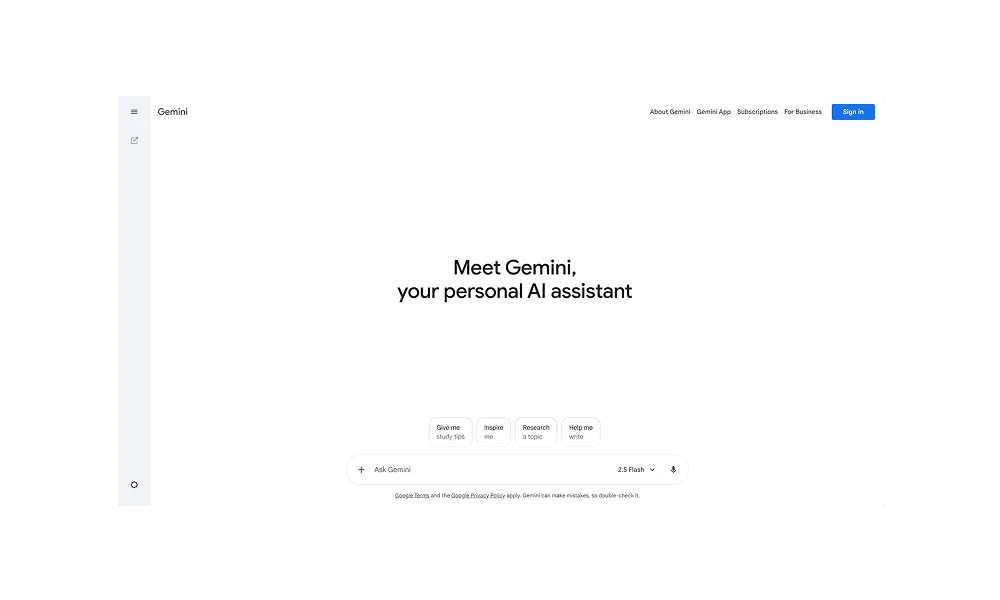
1. Gemini Now Supports PPT Generation in Canvas
Google's Gemini has leveled up its creative toolkit with native PPT generation right inside Canvas. Users can now input a simple prompt—like "Create a 10-slide deck on sustainable energy trends"—or upload a document, and Gemini auto-generates a fully structured presentation complete with layouts, visuals, and speaker notes. This feature, rolled out in late October 2025, leverages Gemini 2.5 Pro to handle everything from topic brainstorming to slide iteration, all within the app's collaborative Canvas space. No more bouncing between tools: explain your vision, upload images for reference, and refine slides via natural language edits. It's accessible to all Gemini users, making professional-grade pitches a breeze for teams and solo creators alike. Early adopters are raving about how it slashes prep time from hours to minutes, turning raw ideas into polished deliverables.
2. Grok Rolls Out Text-to-Video Generation Feature
xAI's Grok has just unleashed its text-to-video capabilities via the Imagine tool, powered by the Aurora engine—transforming simple text prompts into dynamic videos with synchronized audio. Drop in a description like "A futuristic cityscape at dusk with flying cars," and Grok generates clips ranging from quick 6-second bursts to longer-form content, complete with motion, effects, and soundscapes. Launched in October 2025, this free feature (with limits for non-subscribers) also lets users select aspect ratios—think 16:9 for widescreen or 9:16 for vertical social reels—to match their platform perfectly. It's a boon for marketers and storytellers, bypassing clunky editing suites for instant, customizable output. Pro tip: Pair it with Grok's image gen for hybrid workflows, and watch your imagination go viral.
3. Comfy Cloud Public Beta Launches: Browser-Powered ComfyUI
ComfyUI enthusiasts, rejoice—Comfy Cloud's public beta is live, ditching local setups for instant, browser-based access to the node-based AI powerhouse. No downloads, no config headaches: Jump in, fire up GPU-accelerated environments, and run workflows with Stable Diffusion, Flux, ControlNet, and more, all pre-loaded with the latest models. Announced just days ago on November 4, 2025, this cloud service scales from quick experiments to production-grade renders, with fast GPUs ensuring lag-free performance anywhere. Ready-to-go templates mean you can prototype hyper-realistic images or complex animations in seconds, making advanced AI accessible to non-techies and pros without hefty hardware. The beta's open to all—no waitlist—heralding a new era of democratized visual AI.
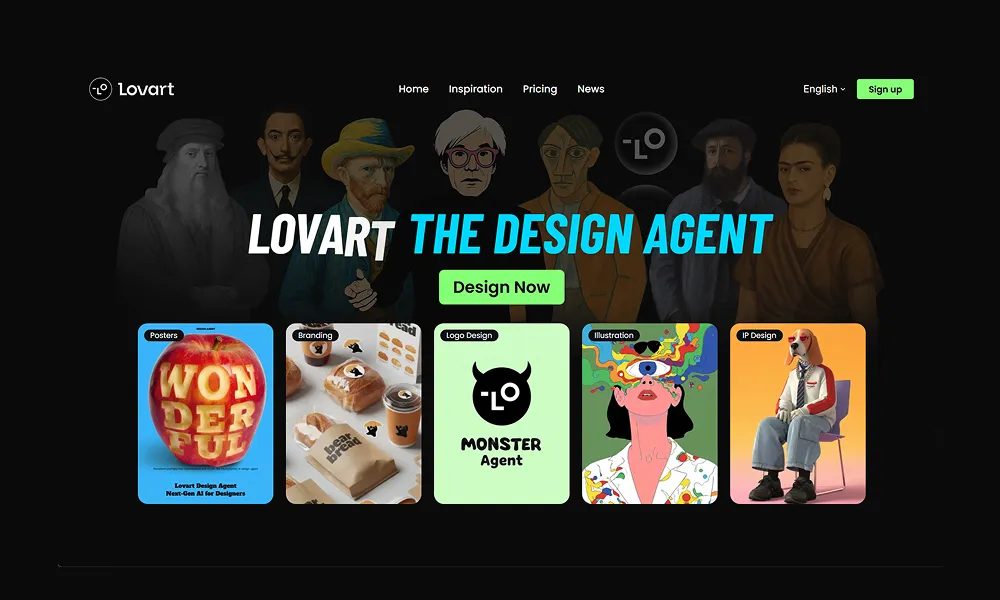
4. Lovart Introduces "Edit Elements | Element Split" Functionality
Lovart, the pioneering AI Design Agent, has dropped a precision upgrade: the "Edit Elements | Element Split" tool, empowering users to dissect and remix components in AI-generated assets with surgical ease. Launched amid its 2025 workflow enhancements, this feature lets you select any element in an infinite canvas—be it a photo subject, vector shape, or 3D render—and split it apart for independent tweaks, swaps, or recombinations, all via natural language commands like "Isolate the background and adjust its hue." Building on Lovart's PS-level editing suite, it bridges generative AI with hands-on control, ideal for branding campaigns or product visuals where every detail counts. From high-fashion shoots to skincare mockups, creators are using it to iterate faster, turning broad prompts into pixel-perfect results without starting over.