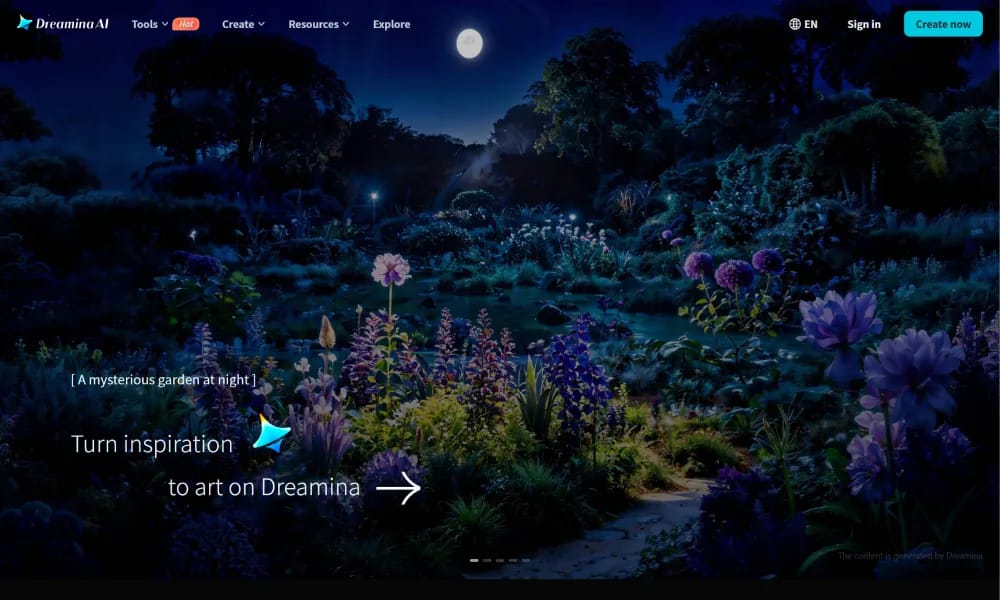
Dreamina
An AI creative suite that transforms prompts and images into high-quality art and videos.
Product Overview
Dreamina is an AI-powered creative platform by CapCut that integrates cutting-edge image and video generation technologies. Designed to lower the barrier to visual creation, it enables users to produce professional-grade character designs, marketing assets, artistic illustrations, and cinematic videos through simple natural language or image prompts, complementing the CapCut video editing ecosystem. Key Features: Text-to-Image & Image-to-Image: Generates high-fidelity visuals in various styles based on complex prompts or reference images. AI Video Generation: Converts static images into fluid motion or creates imaginative short clips directly from descriptions. Intelligent Canvas Editing: Offers advanced tools like Inpainting, Expanding, and Object Removal for precise post-generation adjustments. Multi-layer Precision Control: Allows for granular control over composition, style, posing, and other creative parameters.
Best For
Best for social media creators, marketers, and CapCut users who want an integrated AI creative suite for generating on-brand images and videos directly within their existing editing workflow.
Key Features
- Cutting-edge AI image generation from text prompts with support for character design, marketing assets, artistic illustrations, and cinematic concept art
- AI video generation pipeline that creates short video clips from text descriptions and reference images with smooth motion and visual coherence
- Style transfer and artistic filter system that applies consistent visual themes across generated content for unified brand or project aesthetics
- Inpainting and outpainting capabilities for editing existing images by adding, removing, or extending visual elements while maintaining style consistency
- Batch generation mode for producing multiple variations of a concept simultaneously, enabling rapid iteration and exploration of creative directions
- Seamless integration with the CapCut ecosystem for direct export and further editing in the full CapCut video editor
Pros
- +Leverages CapCut's existing AI infrastructure and user base, providing a polished experience backed by mature technology from a major platform
- +Combines image and video generation in one tool, allowing creators to produce both static assets and motion content without switching platforms
- +Style consistency across generations enables coherent visual branding and unified project aesthetics that many standalone generators struggle to maintain
Cons
- -Free tier imposes daily generation limits and watermark on outputs, restricting heavy creative use without a CapCut subscription
- -Best features require CapCut Pro subscription, making the tool effectively paid for professional or commercial-grade output without watermarks
/// SPECS
- Pricing:ProFree
- Platform:Browser
- Free tier available, premium features paid

builder.io
An AI-powered visual development platform that transforms designs directly into production-ready code.

Pencil
An AI-powered collaborative design canvas that lives directly inside your code editor.

Ppcy
A design curation platform featuring unique visual references and cutting-edge interactive inspiration.
OpenClaw
An open-source personal AI assistant that runs locally and performs tasks via your favorite chat apps.

anirole
An AI platform for real-time anime art generation and immersive character roleplay.

Quiver
An AI creative canvas that transforms sketches and prompts into high-quality vector graphics.

Veeso AI
An AI tool that instantly transforms raw text content into professional, production-ready designs.

Kodo
An AI design tool that transforms text prompts into stunning, fully editable professional layouts.

Pika
AI video generation platform that turns text and images into stunning videos.

Kling
Kuaishou's advanced AI video generation model for creating realistic videos from text and images.