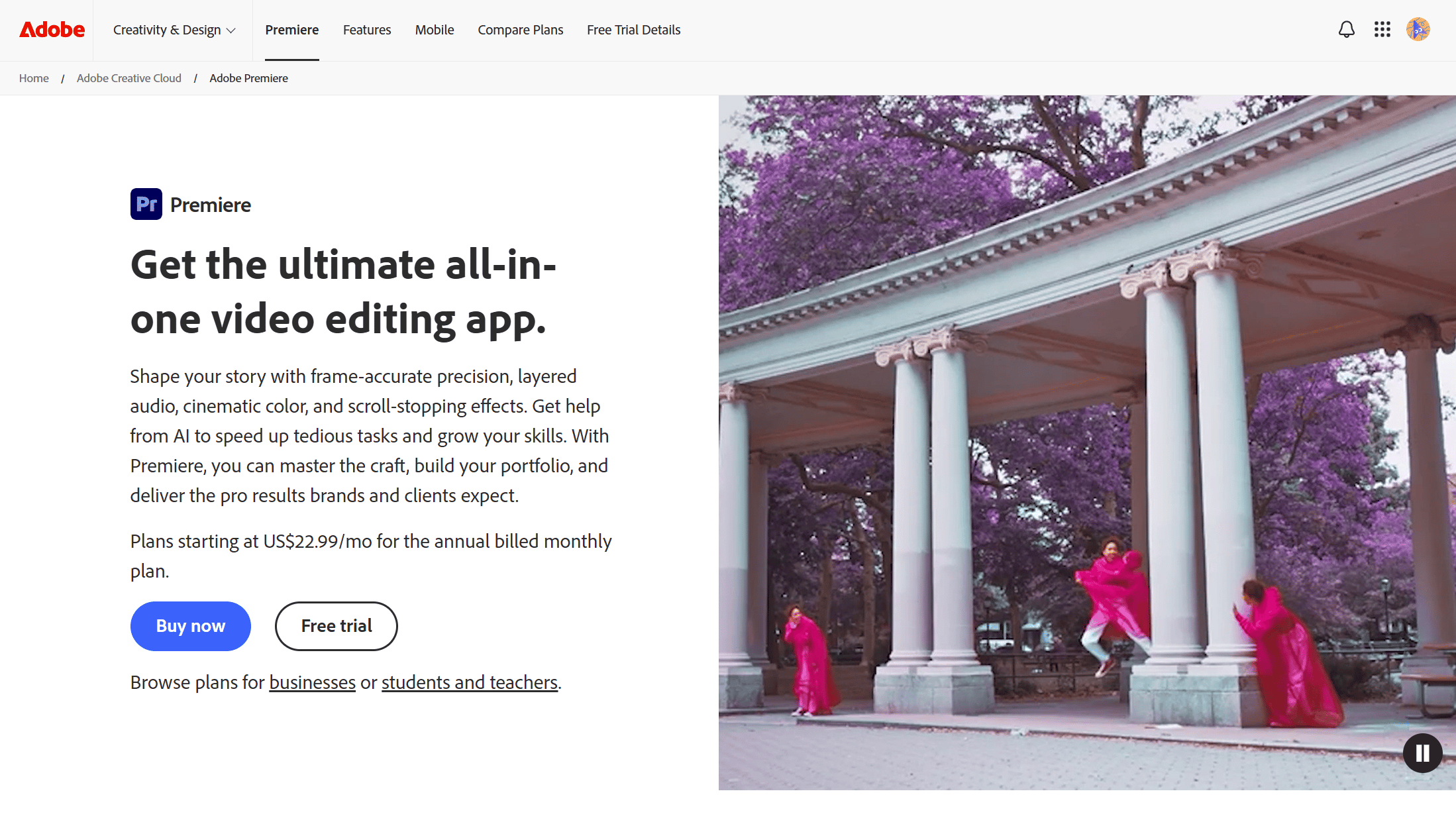
Adobe Premiere Pro
Industry-standard professional video editing software.
Product Overview
Adobe Premiere Pro is the industry-leading video editing software used by professionals worldwide for film, TV, and web video production, offering advanced editing tools, effects, and seamless integration with other Adobe apps.
Best For
Best for professional video editors, filmmakers, and content creators who need industry-standard editing software with deep integration into the Adobe ecosystem and advanced color grading capabilities.
Key Features
- Professional multi-track timeline editing with up to 32 video and audio tracks, advanced trimming tools, and customizable keyboard shortcuts for high-speed editing workflows
- Built-in color grading tools including Lumetri Color panel with curves, color wheels, HSL secondary, vignettes, and LUT support for cinematic color correction
- Seamless integration with the Adobe Creative Cloud ecosystem including After Effects for motion graphics, Photoshop for image editing, and Audition for audio post-production via Dynamic Link
- AI-powered features through Adobe Sensei including auto-reframe for social media aspect ratios, scene edit detection, speech-to-text for auto captioning, and motion graphics templates
- Comprehensive audio editing with built-in Essential Sound panel for dialogue, music, SFX, and ambience optimization, plus multi-channel surround sound mixing up to 5.1 and 7.1
- Proxy workflow allowing automatic creation of low-resolution proxy files for smooth editing on any hardware, with automatic switching to full resolution on export
Pros
- +Industry-standard adoption across film, television, and YouTube production means seamless collaboration with other editors, studios, and post-production facilities worldwide
- +Dynamic Link integration with After Effects and Audition creates a unified post-production pipeline without intermediate rendering, saving hours of export and import time
- +Regular feature updates through Creative Cloud subscription ensure access to the latest AI tools, format support, and performance improvements without purchasing new versions
Cons
- -Subscription-only pricing model with no perpetual license option makes it one of the most expensive video editing solutions over time compared to one-time purchase alternatives
- -Steep learning curve for beginners due to the complex interface, vast feature set, and terminology inherited from professional broadcast editing systems
/// SPECS
- Pricing:ProFree
- Platform:Desktop
- Paid only
Texturelabs
Texturelabs provides free high-resolution textures, materials, and related design tutorials.

Yellow Images
Yellow Images is a professional design asset platform offering high-quality mockups, graphics, and 360-degree images.
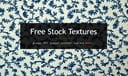
Texture King
Texture King offers a large collection of free high-resolution texture images suitable for various design projects.

Microsoft Design Wallpapers
Microsoft Design Wallpapers is a free gallery of high-resolution abstract backgrounds created by the Microsoft Design team, featuring fluid forms and vibrant colors to personalize desktops and mobiles with Microsoft's visual language.

Slicetube
Online tool to quickly trim and download YouTube videos in high quality.

DaVinci Resolve
Professional color grading and video editing software with a powerful free tier.