UniConverter
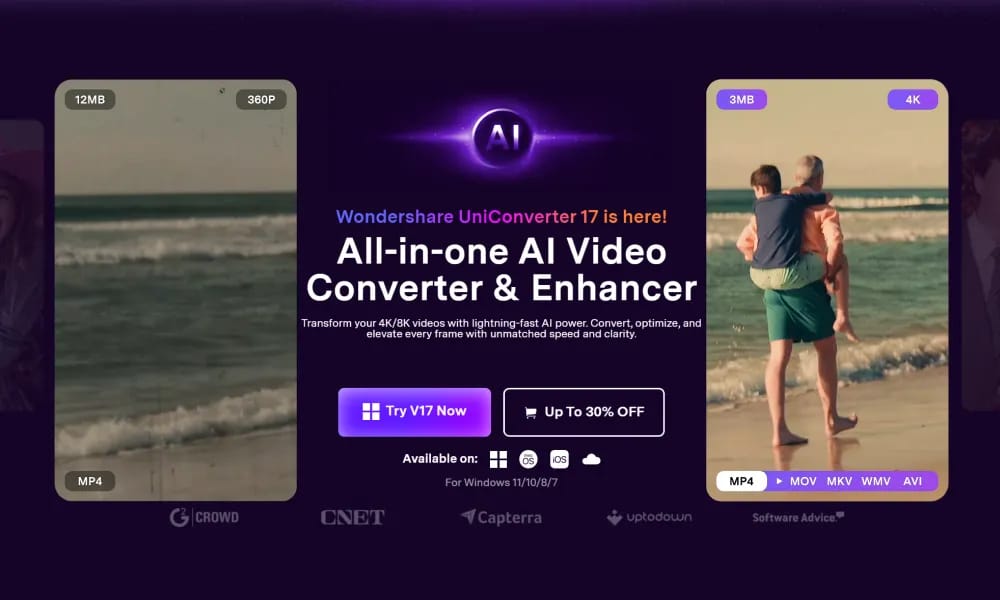
All-in-one AI video converter and enhancer for 4K/8K fast processing and editing.
Product Overview
Details and main features: Wondershare UniConverter (formerly Video Converter Ultimate) is a comprehensive AI-powered video solution for converting, enhancing, compressing, recording, and editing 4K/8K/HDR videos; supports over 1,000 formats with up to 130× faster speeds and batch processing; ideal for content creators, social media users, educators, and SMBs, delivering pro results without advanced skills. Main features Video conversion: 1,000+ formats, 4K/8K/HDR, ultra-fast batch processing. AI enhancement: Upscale to 4K/8K, face/anime refinement, noise reduction, frame rate boost to 240 FPS. Compression: AI mode preserves quality, saves up to 90% storage. Recording: Screen/window/meeting/streaming capture up to 4K/120 FPS. AI tools: Video summarizer (145+ languages), AI subtitles/translation (editable), watermark remover, image enhancer, old photo restoration. Editing: Trim/merge, TTS, noise/vocal remover, BG remover, DVD burner. Download: Grab video clips from websites.
Best For
Video editors and content creators who need a fast, all-in-one tool for format conversion, compression, and basic editing without juggling multiple apps.
Key Features
- Converts video, audio, and images across 1,000+ formats with GPU-accelerated speeds up to 130x faster than real-time
- AI-powered video enhancement including upscaling to 4K/8K, noise reduction, and color optimization
- Built-in video compressor with customizable resolution, bitrate, and file size targets while preserving quality
- Screen recorder with full desktop, webcam overlay, and audio capture for tutorials and walkthroughs
- Video editor supporting trim, crop, rotate, merge, subtitles, and transition effects without leaving the app
- Batch processing mode for converting or compressing multiple files simultaneously with preset profiles
Pros
- +Industry-leading conversion speed with hardware acceleration support (NVIDIA CUDA, Intel QSV)
- +All-in-one toolkit covering conversion, compression, recording, editing, and DVD burning
- +Clean, intuitive interface that makes complex video tasks accessible to non-technical users
Cons
- -Free version places a watermark on output videos and limits file size to 5 minutes
- -Some advanced AI features like face enhancement require the pricier Pro plan subscription
/// SPECS
- Pricing:free_trial
- Platform:Browser

Morph Studio
All-in-one AI video creation suite integrating top models for image & video generation.

Wondershare Filmora
Intuitive AI video editor for creating professional 4K content effortlessly.

AnyEnhancer
AI-powered video enhancer and upscaler turning low-quality videos to 4K.

Viggle
AI tool that animates static character images into dynamic videos.

Moonvalley
AI video generation platform with cinematic precision control and studio-grade quality.

Synthesia
AI tool that creates professional videos with realistic talking avatars from text/scripts.

Videoleap
AI-powered mobile video editor for creating pro short videos and effects easily.

D-ID
AI platform for creating realistic talking avatar videos from text/images with multilingual support.

PixVerse
AI video generator turning text and photos into dynamic content and viral effects.

Lightricks
AI tech company creating mobile photo/video editing and generation tools for creators.