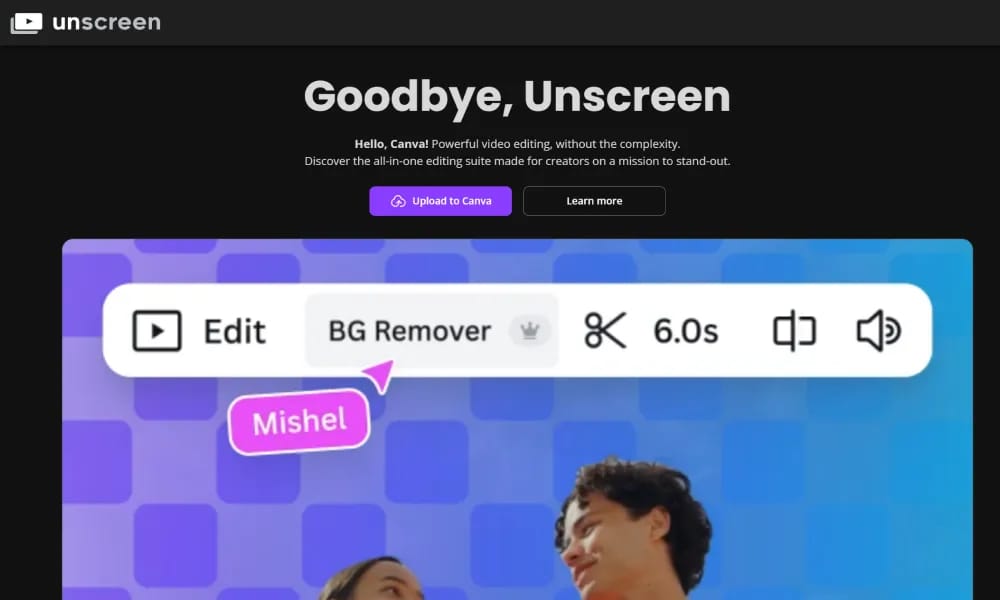
Product Overview
Details and main features: Unscreen.com is a completely free online video background removal platform powered by AI that automatically removes backgrounds from videos, turning any clip into a transparent (green-screen-like) video without needing a real green screen or manual masking; users simply upload a video (MP4, MOV, WebM, up to 30 seconds free), AI processes in seconds, and downloads a transparent video with alpha channel, ready to composite new backgrounds/effects in Premiere, After Effects, CapCut, DaVinci Resolve, etc.; supports batch processing (paid), HD output (1080p free, 4K paid), watermark-free free version; ideal for creators, YouTubers, marketers, animators, VFX hobbyists, e-commerce demos, social media effects, virtual background swaps; emphasizes dead-simple workflow (drag-drop-upload-process), privacy (files deleted after processing), browser-only, no install. Main features One-click background removal: AI detects and erases background, outputs transparent video. Supported formats: MP4, MOV, WebM, GIF, free limit 30 seconds per video. Output options: Alpha-channel transparent video, direct download or cloud preview. Other: Batch removal (paid), HD/4K upgrade (paid), watermark-free free exports, fast server-side AI.
Best For
Best for content creators, video editors, and e-commerce sellers who need a free, instant, and reliable way to remove video backgrounds without technical expertise or paid subscriptions.
Key Features
- Fully automated AI-powered video background removal that processes uploaded clips instantly without manual masking or green screen setup
- Support for multiple output formats including transparent WebM, animated GIF with alpha channel, and MP4 with solid color backgrounds
- Batch processing capability allowing multiple video files to be processed consecutively for efficient workflow management
- Chroma key replacement feature that swaps removed backgrounds with custom colors, images, or other video layers
- Cloud-based processing pipeline that handles videos up to 5 minutes in length with no software installation required
- Completely free-to-use platform with no watermark on exports, unlike most competing video background removal services
Pros
- +Truly free with no watermark or hidden costs, making it the most accessible option for video background removal at any scale
- +AI removes backgrounds automatically from any video type without requiring a physical green screen or manual rotoscoping
- +Produces transparent-background video output with alpha channel, a rare capability that most free tools do not offer
Cons
- -Processing quality depends heavily on video clarity and subject-background contrast; complex scenes with fine details like hair may show artifacts
- -Limited to a maximum of 5-minute video length per file, which may be restrictive for longer content like full interviews or presentations
/// SPECS
- Pricing:ProFree
- Platform:Browser
- Free tier available, premium features paid

CapCut
ByteDance AI video editor for creating pro TikTok/YouTube shorts easily.

CrePal
AI video creation agent turning prompts into complete multi-scene short films.

EchoWave
Free online audio-to-video editor adding waveforms & subtitles for social sharing.

Edimakor
AI video editor for creators to make pro videos with effects easily.

Genmo
Open-source AI platform for high-quality text-to-video generation with realistic motion.

Xound
AI audio enhancer removing noise and perfecting voice for creators.

Riverside
Riverside AI transcription service for free unlimited audio/video to text in 100+ languages.

Joyland
Free NSFW AI roleplay platform for chatting with custom virtual companions.

Typeless
An intelligent assistant that transforms spontaneous speech into polished text in real-time.

Tempo
An AI-powered platform for building React apps 10x faster using a visual code editor.