GStory
Free online AI platform for video/photo editing, enhancement, background & watermark removal.
Product Overview
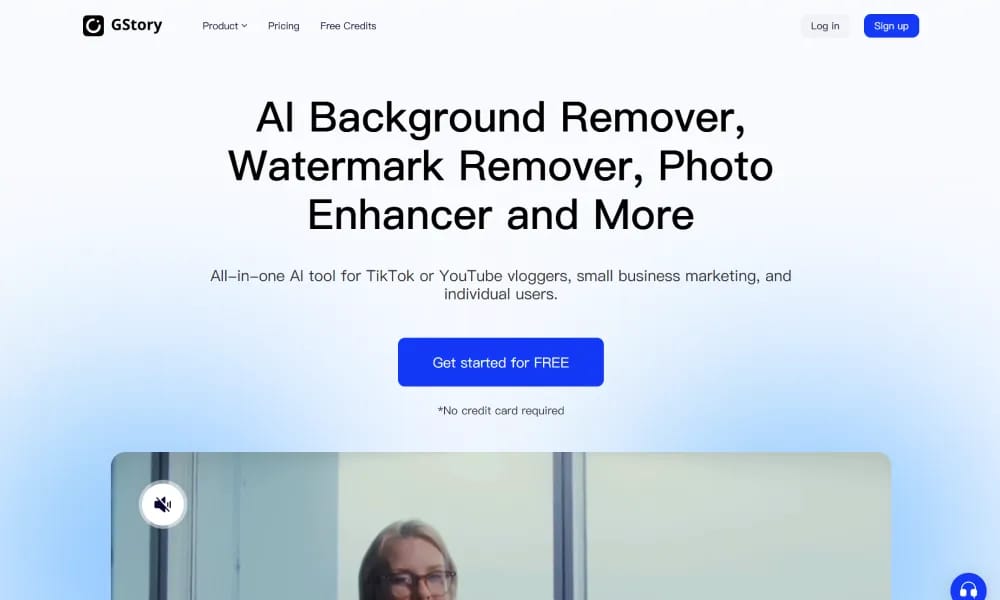
Details and main features: GStory.ai is a browser-based all-in-one AI media editing tool tailored for TikTok/YouTube creators, small businesses, e-commerce, and individuals, providing quick, no-install solutions for professional visuals; upload MP4/MOV/MKV files for one-click AI processing; standout features include video translation (dubbing, lip-sync, captions, multi-language), video/photo enhancement (4K upscaling, clarity/detail/brightness/noise reduction), background removal & replacement, TikTok/YouTube watermark removal, auto subtitle generation (95%+ accuracy), and AI clip maker (convert long YouTube videos to shorts); ideal for marketing, product showcases, social content, education, and global localization; emphasizes ease, speed, privacy, and no expertise required. Main features Video enhancer: AI frame-by-frame analysis for resolution, clarity, detail, brightness, noise reduction. Background remover: Auto-remove/replace backgrounds in videos/photos (solid or custom). Watermark remover: Eliminate TikTok, YouTube, etc. watermarks easily. Video translator: Auto-translate, dub, lip-sync, generate subtitles in multiple languages. Auto subtitle generator: High-accuracy transcription and caption addition. AI clip maker: Extract/edit shorts from long videos for social platforms. Other: Photo enhancer (HD upscale, deblur, sharpen text), fully compatible across OS (Windows/macOS/Linux).
Best For
Best for TikTok and YouTube creators, small businesses, and casual users who need a free, quick, browser-based AI tool for basic video and photo editing tasks.
Key Features
- One-click AI video background removal and replacement optimized for TikTok and YouTube Shorts content
- AI-powered photo enhancement with auto color correction, lighting adjustment, and detail sharpening
- Smart object removal tool that erases unwanted elements from videos and photos seamlessly
- Watermark removal from downloaded social media content using AI inpainting technology
- All-in-one browser-based platform supporting MP4, MOV, and MKV uploads with no software installation
- Batch processing for applying edits to multiple media files in a single operation
Pros
- +Completely free to use with no hidden paywalls for essential features like background removal
- +Handles both video and photo editing in one place, reducing the need for multiple tools
- +Optimized for social media content formats with platform-specific output presets
Cons
- -Processing quality for complex backgrounds is less refined than premium paid alternatives
- -Limited advanced editing features — not suitable for professional-grade video production work
/// SPECS
- Pricing:ProFree
- Platform:Windows / macOS / Linux
- Free tier available, premium features paid

Vidau
AI platform for generating high-converting video ads from product links.

Vidnoz
AI avatar video platform for creating pro talking videos from text quickly.

Vozo
AI platform for video translation, dubbing, and realistic lip sync.

VideoBgRemover
Online AI tool to remove and replace video backgrounds without green screen.

WaifuLabs
AI tool that generates custom anime waifu portraits in 4 interactive steps.

Freebeat
AI music video generator turning songs into dance, lyrics, and viral clips.

Shortvideo
AI short video generator creating pro TikTok/Reels clips from text.

DomoAI
AI platform for generating animated and stylized videos from text/images.

Pictory
AI video generator turning text, articles, or scripts into professional videos.

Camb
AI platform for real-time voice cloning and multilingual dubbing with natural emotion.