VideoBgRemover
Online AI tool to remove and replace video backgrounds without green screen.
Product Overview
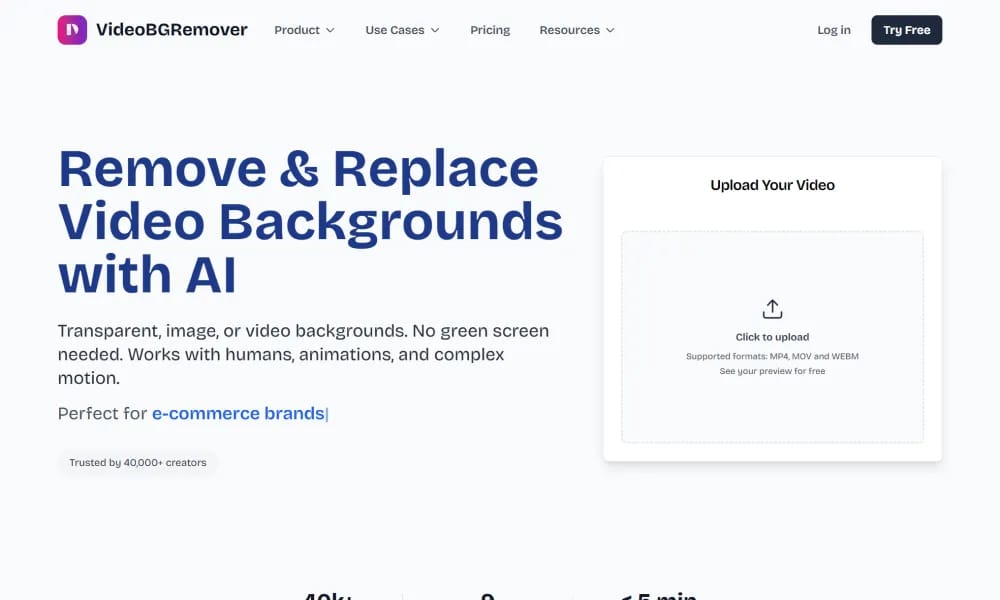
Details and main features: VideoBgRemover.com is a browser-based AI platform for automatically removing and replacing video backgrounds using advanced AI detection (handles humans, hair, complex motion, animations, no green screen needed); users upload video, AI processes frame-by-frame, offers real-time preview, and allows replacement with transparent, solid color, custom image, or video backgrounds; supports long videos (up to 120 minutes), input formats (MP4, MOV, WebM), and output formats (MP4, WebM, ProRes, PNG sequence, GIF, WebP, Lottie, etc., with transparency); ideal for UGC, social media, tutorials, professional videos, and post-processing AI-generated clips (e.g., Sora, Runway); focuses on studio-quality precision, fast processing (most videos in minutes), privacy (no subscriptions, no tracking), and simplicity (free preview without sign-up); also offers dedicated chroma key tool and API for developers. Main features AI background removal: Automatic subject detection and frame-by-frame removal, no manual work. Background replacement: Transparent output, solid colors, custom images/videos. Preview & export: Free real-time preview clips; paid for full HD video, transparent formats, commercial license. Long video support: Handles up to 120 minutes without splitting. Other: Batch processing, API integration, custom volume pricing (lower for high usage).
Best For
Best for content creators, e-commerce sellers, and video editors who need quick, automatic background removal from videos without chroma key equipment or complex software.
Key Features
- AI-powered automatic background removal from videos without green screen or special equipment
- Frame-by-frame processing with intelligent handling of fine details including hair, fur, and complex edges
- Real-time background preview with one-click swap to solid colors, custom images, or video backgrounds
- Batch processing support for removing backgrounds from multiple video files simultaneously
- Cloud-based processing that works entirely in-browser with no software download or installation
- Supports all standard video formats including MP4, MOV, AVI, and WEBM with high-resolution output
Pros
- +Exceptional edge detection that handles detailed subjects like flowing hair and transparent objects
- +No green screen studio required — works with any indoor or outdoor footage
- +Fast processing with results ready in seconds for short clips and minutes for longer videos
Cons
- -Complex scenes with multiple moving subjects can confuse the AI and require manual correction
- -Free tier has limited processing minutes and resolution restrictions on exported videos
/// SPECS
- Pricing:ProFree
- Platform:Browser
- Free tier available, premium features paid

Tella
Online screen recorder with AI editing for quick professional short videos.

Vidau
AI platform for generating high-converting video ads from product links.

Vidnoz
AI avatar video platform for creating pro talking videos from text quickly.

Vozo
AI platform for video translation, dubbing, and realistic lip sync.

WaifuLabs
AI tool that generates custom anime waifu portraits in 4 interactive steps.

GStory
Free online AI platform for video/photo editing, enhancement, background & watermark removal.

Freebeat
AI music video generator turning songs into dance, lyrics, and viral clips.

Shortvideo
AI short video generator creating pro TikTok/Reels clips from text.

DomoAI
AI platform for generating animated and stylized videos from text/images.

ssemble
Online AI video editor for easy creation of professional social & marketing videos.