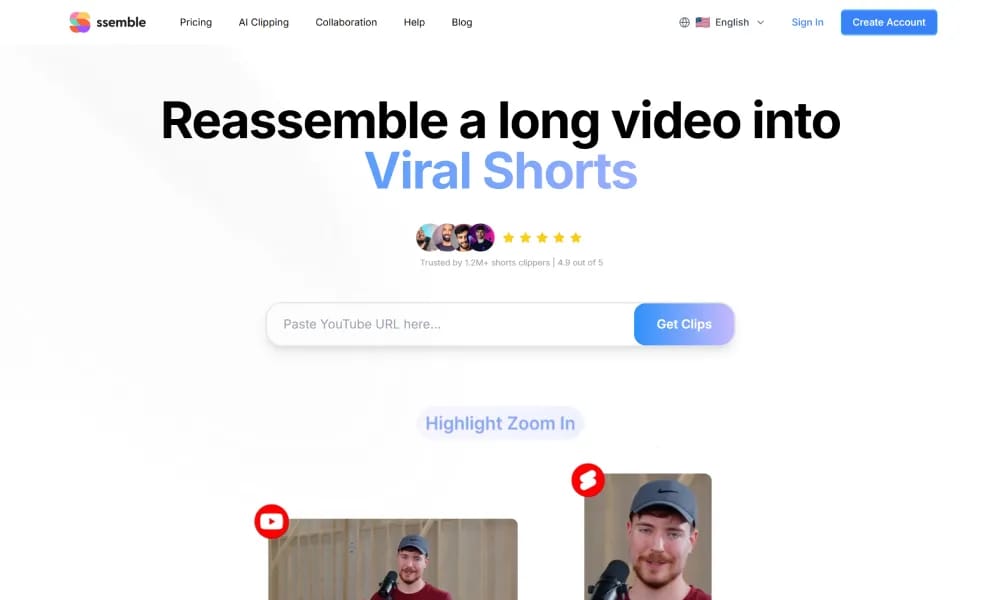
ssemble
Online AI video editor for easy creation of professional social & marketing videos.
Product Overview
Details and main features: SsemBlE (ssemble.com) is a powerful, intuitive online video editing platform that combines drag-and-drop interface, extensive templates, and AI tools to help users (creators, marketers, businesses, small teams) quickly produce high-quality videos; supports starting from scratch, importing assets, AI auto-captions/clip suggestions, background removal, text-to-speech, AI image generation, video enhancement, effects/transitions/animations, screen recording; offers thousands of professional templates (YouTube, TikTok, Reels, ads, presentations, corporate training), vast royalty-free stock (videos/music/graphics/stickers), and brand kits; focuses on team collaboration (shared projects), cloud storage, and one-click exports (multiple formats/resolutions including 4K); ideal for social content, product demos, ads, training videos, educational courses, and personal vlogs; fully browser-based, no download required. Main features AI tools: Auto subtitle generation, text-to-speech, AI background remover, AI image generator, smart clip suggestions. Templates & assets: Thousands of customizable templates, royalty-free stock library (videos/audio/graphics/stickers), brand kits (logo/colors/fonts). Editing features: Drag-and-drop timeline, multi-track editing, transitions/effects/animations, chroma key, speed control, trim/merge, styled text/captions. Collaboration & export: Real-time team editing, cloud project storage, MP4/GIF exports, social-optimized sizes, HD/4K output. Other: Screen recording, voiceover layering, batch processing (higher plans), direct share links.
Best For
Best for content creators, marketers, and small teams who need a powerful yet simple online video editor with AI features for social media and business videos.
Key Features
- Drag-and-drop video editor with automatic timeline synchronization for easy multi-clip assembly
- AI-powered auto subtitles and closed captions in multiple languages with editable text styling
- Built-in screen and webcam recorder for creating tutorials, walkthroughs, and presentation videos
- Extensive template library covering social media ads, YouTube intros, business promos, and more
- AI text-to-speech voiceover engine with natural-sounding voices in various accents and languages
- Direct publishing integration to YouTube, Vimeo, and social media platforms from within the editor
Pros
- +Exceptionally fast learning curve — most users can create polished videos within their first session
- +Balances simplicity with enough depth for semi-professional video production needs
- +Cloud-native architecture means projects are always saved and accessible across devices
Cons
- -Advanced color grading and audio mixing capabilities are limited compared to desktop editors
- -Free plan restricts export to 720p and applies a watermark to videos
/// SPECS
- Pricing:ProFree
- Platform:Browser
- Free tier available, premium features paid

Tella
Online screen recorder with AI editing for quick professional short videos.

FlexClip
Online video editor and AI generator for quick professional video creation.

Clipfly
AI creative platform for fast video, image, and music generation from text/images.

Hedra
AI platform for generating realistic talking character videos from text/audio.

Move
AI markerless motion capture tool generating high-fidelity 3D animation from video.

Vidau
AI platform for generating high-converting video ads from product links.

Vidnoz
AI avatar video platform for creating pro talking videos from text quickly.

Vozo
AI platform for video translation, dubbing, and realistic lip sync.

VideoBgRemover
Online AI tool to remove and replace video backgrounds without green screen.

Pippit
免费AI内容创作代理,一键从产品链接生成营销视频与图像。