Move
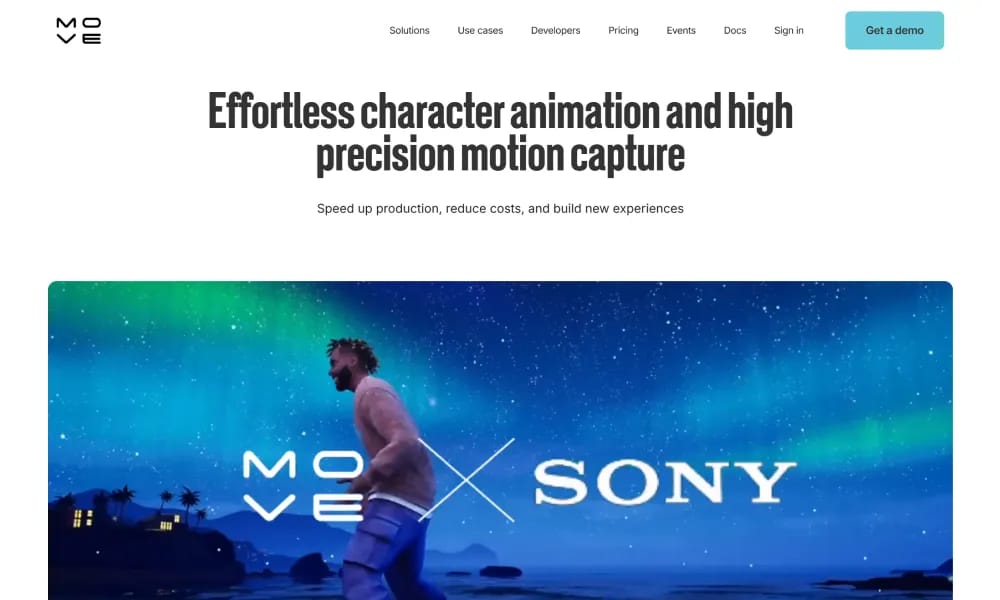
AI markerless motion capture tool generating high-fidelity 3D animation from video.
Product Overview
Details and main features: Move.ai is an AI-powered markerless motion capture platform that converts 2D video (from phones or cameras) into accurate 3D motion data using advanced models (Gen 2: s2 for single-cam, m2 for multi-cam); supports full-body + hand/finger tracking (Dex), real-time previews, physics-based realism, depth estimation, and stability; ideal for AAA games, VFX, music videos, virtual production, robotics imitation, ergonomics, and crowd sims; integrates with Unreal, Unity, Maya; products include Move One (single-cam entry), Move Pro (multi-cam high-end), Move Live (real-time); focuses on affordability (no suits/markers), speed, and optical-grade quality. Main features Markerless capture: 3D keyframes from single/multi-camera video. Gen 2 models: s2 (single-cam accuracy), m2 (optical-level multi-cam), finger tracking (Dex), motion enhancement. Real-time & post: Live previews, beta editor for data tuning. Applications: Character animation, VFX assets, virtual prod, robot learning, ergonomics analysis. Other: FBX/etc exports, cloud processing, multi-actor large-space support.
Best For
Best for indie game developers, 3D animators, and VFX artists who need professional motion capture data from standard video without expensive hardware.
Key Features
- Markerless motion capture that extracts 3D skeletal data from standard 2D smartphone or camera video
- Gen 2 engine with single-camera (s2) and multi-camera (m2) modes for different capture setups
- Dex hand and finger tracking module for detailed finger movements and hand gestures
- Real-time preview and playback of captured motion data before export to animation pipelines
- Multiple export formats compatible with Unreal Engine, Unity, Blender, Maya, and other 3D tools
- Cloud-based processing that offloads heavy computation from local machines
Pros
- +Eliminates the need for expensive motion capture suits, markers, and studio setups
- +Delivers production-grade motion data accurate enough for professional game and film animation
- +Hand and finger tracking fidelity rivals dedicated motion capture gloves and systems
Cons
- -Requires good lighting conditions and unobstructed camera views for optimal tracking accuracy
- -Complex motions with occlusions or fast movements may need manual cleanup in post-production
/// SPECS
- Pricing:ProFree
- Platform:Browser
- Free tier available, premium features paid

Tella
Online screen recorder with AI editing for quick professional short videos.

FlexClip
Online video editor and AI generator for quick professional video creation.

AI Studios
AI video platform using digital avatars to create pro videos from text.

Mirage
AI platform for generating hyper-realistic short videos with text prompts.

Clipfly
AI creative platform for fast video, image, and music generation from text/images.

Hedra
AI platform for generating realistic talking character videos from text/audio.

Vidau
AI platform for generating high-converting video ads from product links.

Vidnoz
AI avatar video platform for creating pro talking videos from text quickly.

ssemble
Online AI video editor for easy creation of professional social & marketing videos.

Pippit
免费AI内容创作代理,一键从产品链接生成营销视频与图像。