FlexClip
Online video editor and AI generator for quick professional video creation.
Product Overview
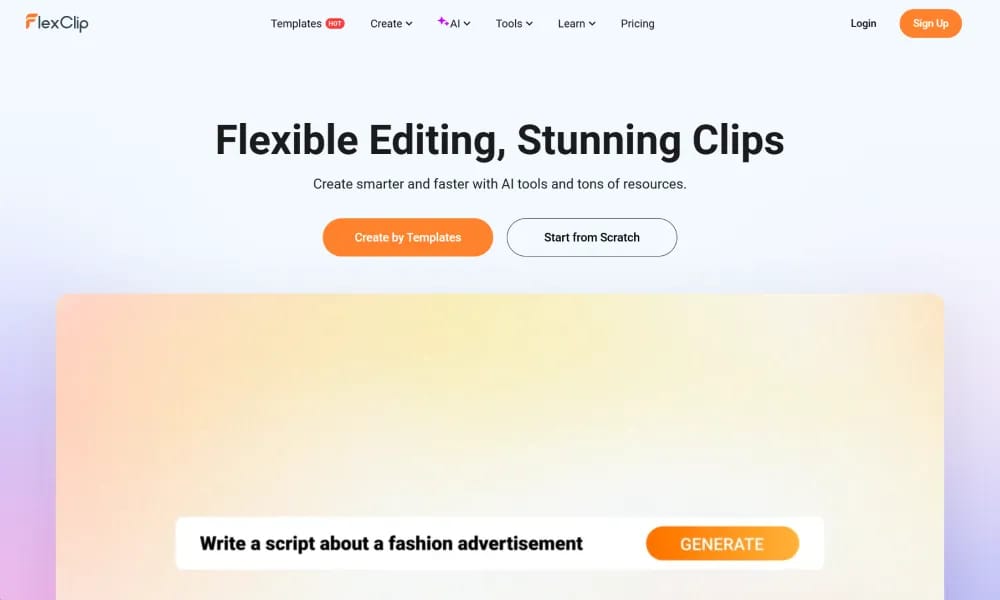
Details and main features: FlexClip is an intuitive online video editor and maker platform with extensive templates, stock assets, and powerful AI tools, enabling users (beginners to pros) to create high-quality videos for social media, marketing, education, real estate, gaming, etc.; supports drag-and-drop editing, text/image/article/URL-to-video generation, AI auto-subtitles/scripts/translation/background removal, AI image generation/editing (integrating models like Sora 2, Veo 3, Hailuo AI, Kling AI), video enhancement, effects/music/animations, screen recording; positions itself as a leader in AI-era video creation, ideal for creators, marketers, businesses, and small teams; browser-based, no download needed. Main features AI video generation: From prompts, articles, URLs, or images using various AI models. AI toolkit: Text-to-speech, AI script generator, auto subtitles, background remover, text/image-to-image, old photo restoration, object remover. Traditional editing: Trim/merge/speed control/chroma key/effects/transitions, styled captions, brand kits. Resource library: 6000+ templates, 4M+ stock videos/photos, 74K+ music/SFX, 1000+ text presets, 3M+ dynamic elements. Other: Collaborative exports (HD/4K), direct sharing, commercial use (paid plans).
Best For
Best for beginners, small businesses, and educators who need a quick, template-driven video editor with AI assistance for social media and marketing content.
Key Features
- Drag-and-drop video editor with thousands of customizable templates for any niche or industry
- AI text-to-video and AI image-to-video generators for instant content creation from scratch
- Extensive stock media library including 4K video clips, royalty-free music tracks, and photos
- AI-powered background removal, text-to-speech voiceovers, and automatic subtitle generation
- Multi-track timeline supporting layering of videos, images, text, audio, and overlays
- Screen and webcam recorder built-in for creating tutorials, demos, and presentations
Pros
- +Exceptionally beginner-friendly interface with professional-grade features under the hood
- +Huge template library covering social media, marketing, education, real estate, and more
- +Cloud-based platform requiring no installation, with projects saved and accessible anywhere
Cons
- -Advanced timeline features are less powerful than dedicated desktop editors like Premiere Pro
- -Free version exports limited to 720p resolution with watermark
/// SPECS
- Pricing:ProFree
- Platform:Browser
- Free tier available, premium features paid

Tella
Online screen recorder with AI editing for quick professional short videos.

Vrew
AI video editor that lets you edit videos like a document for fast creation.

Wavel.ai
All-in-one AI platform for instant video dubbing, subtitles, and multilingual localization.

AI Studios
AI video platform using digital avatars to create pro videos from text.

Mirage
AI platform for generating hyper-realistic short videos with text prompts.

Clipfly
AI creative platform for fast video, image, and music generation from text/images.

Hedra
AI platform for generating realistic talking character videos from text/audio.

Move
AI markerless motion capture tool generating high-fidelity 3D animation from video.
ssemble
Online AI video editor for easy creation of professional social & marketing videos.

Pippit
免费AI内容创作代理,一键从产品链接生成营销视频与图像。